


Start with the products you sell and the photographs you already have. Refine is a flexible starting point for a Shopify store built around collections and campaigns. Nostalgia suits a quieter storefront where product photography, materials, and the story behind the range carry more of the page.
Choose Refine if your collections change often
For an activewear launch, start with the new collection, then show how the pieces work together. Use a collection row to make colours easy to compare and a short video or image sequence to demonstrate fit. Refine’s quick buy can help on collection pages where shoppers already know what they want. Keep sizing details and fit notes easy to find on the full product page.
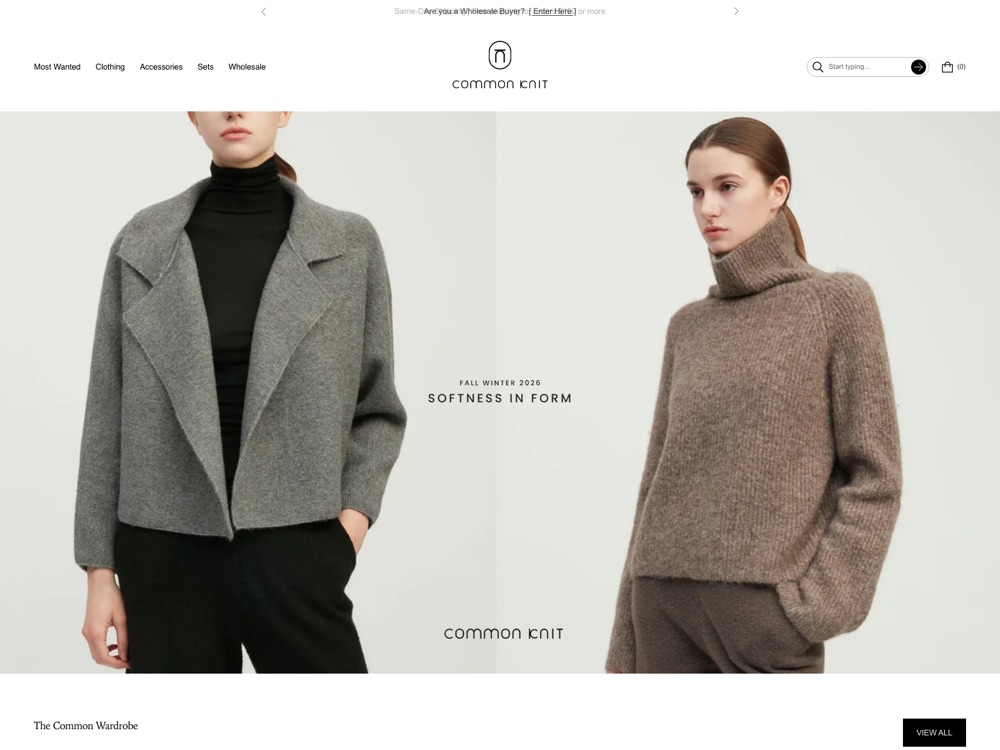
Choose Nostalgia if shoppers need time to explore
For ceramics, skincare, or home goods, try a page that starts with a product in use and then shows texture, scale, or ingredients up close. Use short captions to explain what the image tells a shopper. Nostalgia’s calmer presets give these details room, and its lookbooks can connect an editorial image to the products shown in it.

Compare both with the same products
- Preview each theme with one collection, a bestseller, and a product with several variants.
- On a phone, open the collection, find the right variant, and add it to the cart. Check whether the imagery and product information stay clear at each step.
- Replace the demo images with your own. Check how much editing each preset needs before it feels like your brand.
Start with Refine’s presets if you lead with launches and collections. Compare Nostalgia’s presets if your catalogue benefits from a calmer presentation.