

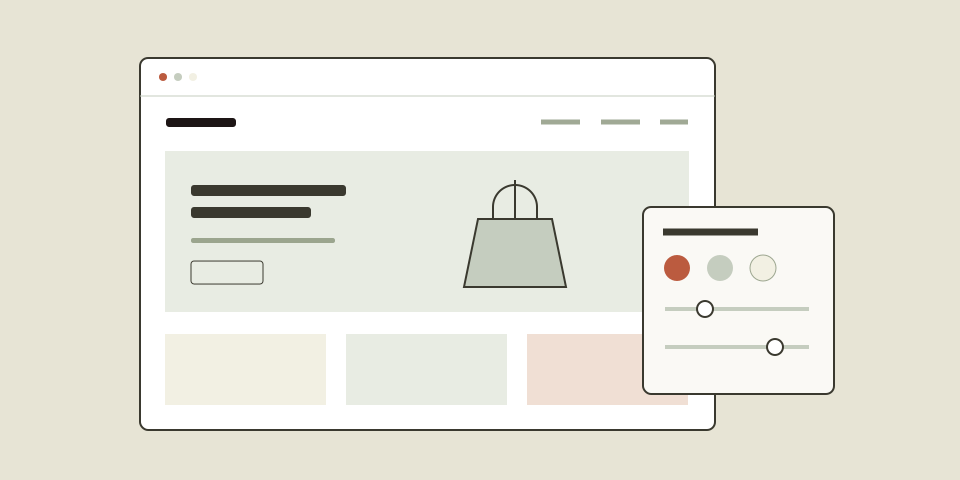
A good theme helps customers understand your products and find what they need. Before comparing demos, start with your catalogue, your content, and the way you want to manage your store.
Start with your platform
Choose a theme built for the platform your store uses. Shopify themes and WooCommerce themes are different products: a Shopify theme cannot be installed in WordPress, and a WooCommerce theme cannot be installed in Shopify.
If you already have a store, look within its platform first. Moving platforms is a separate project that may involve migrating products, customer information, redirects, and integrations.
Match the layout to your catalogue
- A small, curated collection: look for generous photography, clear storytelling, and simple navigation.
- A large catalogue: pay close attention to menus, collection pages, search, and product filtering.
- Products with many options: test how sizes, colours, variations, and availability appear on the product page.
Try a demo as a customer. Find a product, choose an option, and review the cart. Repeat on your phone. The everyday shopping experience matters as much as the homepage.
Use your own content as the test
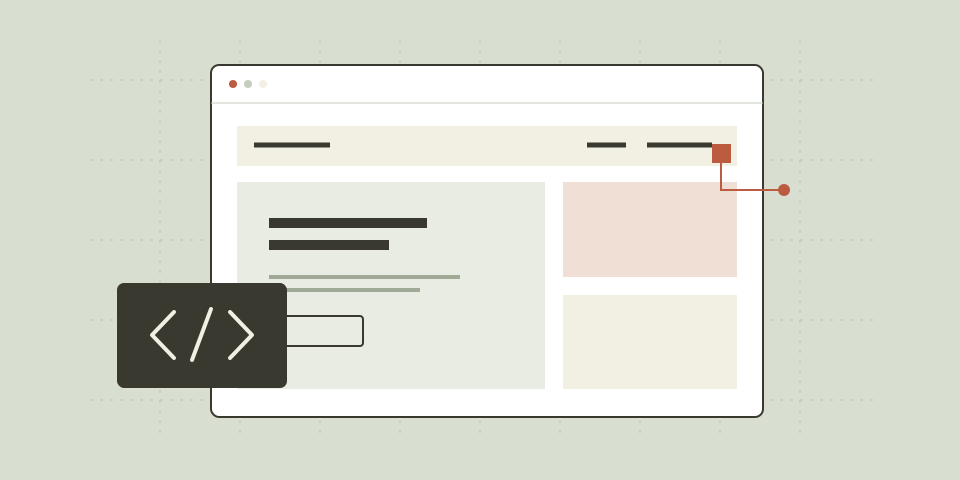
A demo is a starting point. Its photography, product names, and copy all contribute to its appearance. Consider whether your own images suit the layouts, how longer titles wrap, and whether you have enough content for each section.
You do not need to use every section. A focused homepage with strong product images and clear links is often easier to maintain than a long page filled with placeholder content.
Check what is included
Read the product page and purchase terms before buying. Confirm the supported platform, licence, update arrangements, and scope of support. If a feature depends on an app or plugin, check its requirements and any separate cost.
A quick checklist before you choose
- The theme is built for my store’s platform.
- The navigation suits the size of my catalogue.
- My product images and descriptions fit the layouts.
- Product options and cart controls are easy to use on mobile.
- I understand the licence, updates, and support terms.
Explore the AgniHD theme collection to compare designs. If you need help deciding, contact us with your platform, product range, and the features that matter to your store.